The best link in bio tool for selling merch is not always the prettiest link page.
If your goal is clicks to podcasts, newsletters, videos, and social profiles, a simple link hub can work well. But if your goal is merch sales, the job changes. Fans don’t just need a list of places to go. They need a fast path from the thing they just saw to the shirt they want to buy.
That means your merch link should feel less like a menu and more like a checkout path.
For creators selling from TikTok, Instagram, YouTube, or podcasts, the best setup is often one focused product page. It shows the shirt, sizing, price, and checkout right away. No homepage. No product hunt. No extra stack.
What the best link in bio tool should do for merch
Most link in bio apps help people organize links. Merch needs a little more than that.
| Tool type | What it does well | Where it can fall short for merch |
|---|---|---|
| Basic link hub | Organizes many links in one place | Fans still need to tap again to buy |
| Full ecommerce store | Supports larger catalogs and deeper setup | Can be too heavy for one social merch drop |
| Merch-first page | Sends fans straight to one product and checkout | Not built for broad multi-link profiles |
That last row is where Teezzi fits.
If someone taps from an Instagram Story or TikTok bio because they want the shirt you just mentioned, a generic link menu can add friction. They have to pick the right button, wait for another page, find the product, then start checkout.
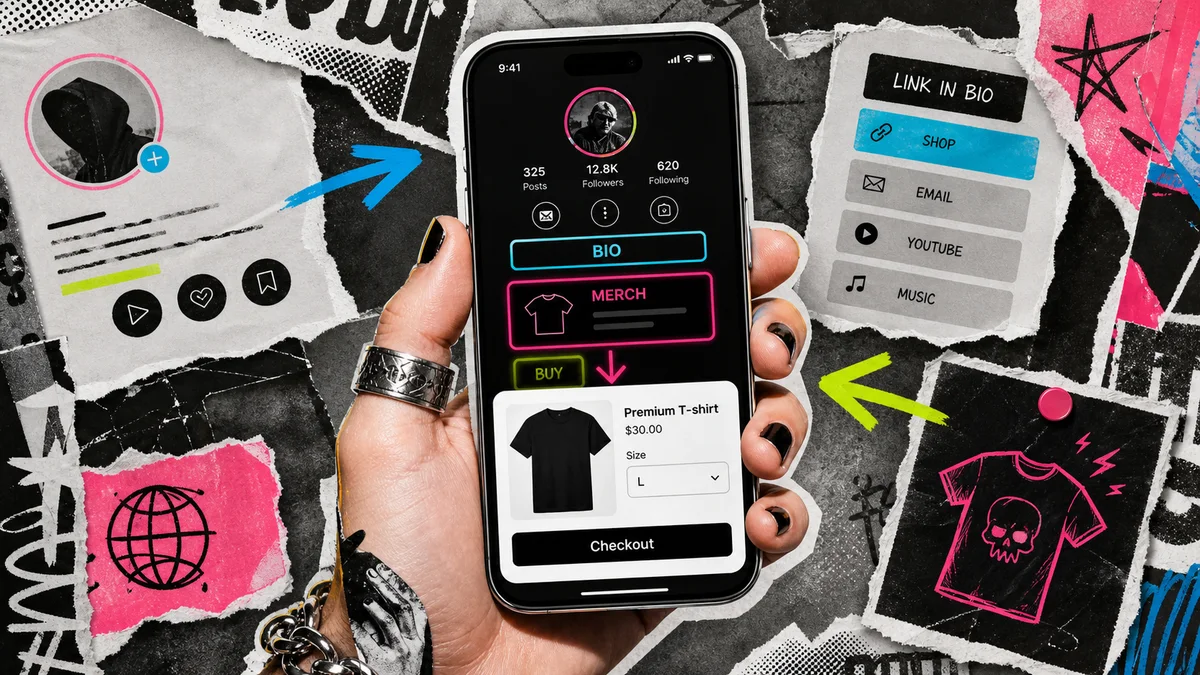
The better move is to send merch traffic to the product itself. You can still keep your normal link hub for everything else. But the merch button should point to a page built to sell.
Why generic link in bio platforms lose merch intent
Social traffic is warm, but it cools fast.
When a follower taps your bio link, they’re often still inside an in-app browser. They’re on a small screen, half distracted, and one swipe away from leaving. Every extra choice makes the buy feel less urgent.
That hurts merch because most creator drops are tied to a specific moment. Maybe a joke popped off. Maybe fans asked for the design. Maybe a podcast phrase became a community signal. The buyer isn’t looking for your whole online world. They’re looking for the thing you just told them about.
That’s why a link in bio merch store usually works better when it’s focused around one product. The page should answer the buyer’s next questions right away:
- What does the shirt look like?
- What sizes are available?
- What does it cost?
- Can I check out safely?
- Who handles the order if something goes wrong?
If the page answers those questions quickly, the creator doesn’t need to push harder. The buying path is doing its job.
Best link in bio for TikTok, Instagram, and YouTube
The best link in bio for TikTok is usually the shortest path to the exact product shown in the video. TikTok clicks are fast, and the buyer’s intent is narrow. If the video says “the shirt is in my bio,” the bio should not send fans into a maze.
Instagram works the same way, especially with Reels and Stories. If you mention the shirt in a caption, Story, or link sticker, the landing page needs to feel immediate. Our guide on how to sell merch on Instagram goes deeper on that flow.
YouTube is a little different because descriptions and pinned comments can hold more context. But the buying path still needs to stay short. If you want to launch from YouTube without inventory, how to launch a YouTube merch store without inventory covers that angle.
The rule stays the same across platforms: match the link to the reason someone clicked.
How Teezzi fits the merch link workflow
Teezzi gives creators one branded merch page for one premium tee at launch.
You don’t need a domain, a store theme, a print app, or a separate checkout setup. You claim your link, upload your design, set your price, and share the page where your audience already clicks.
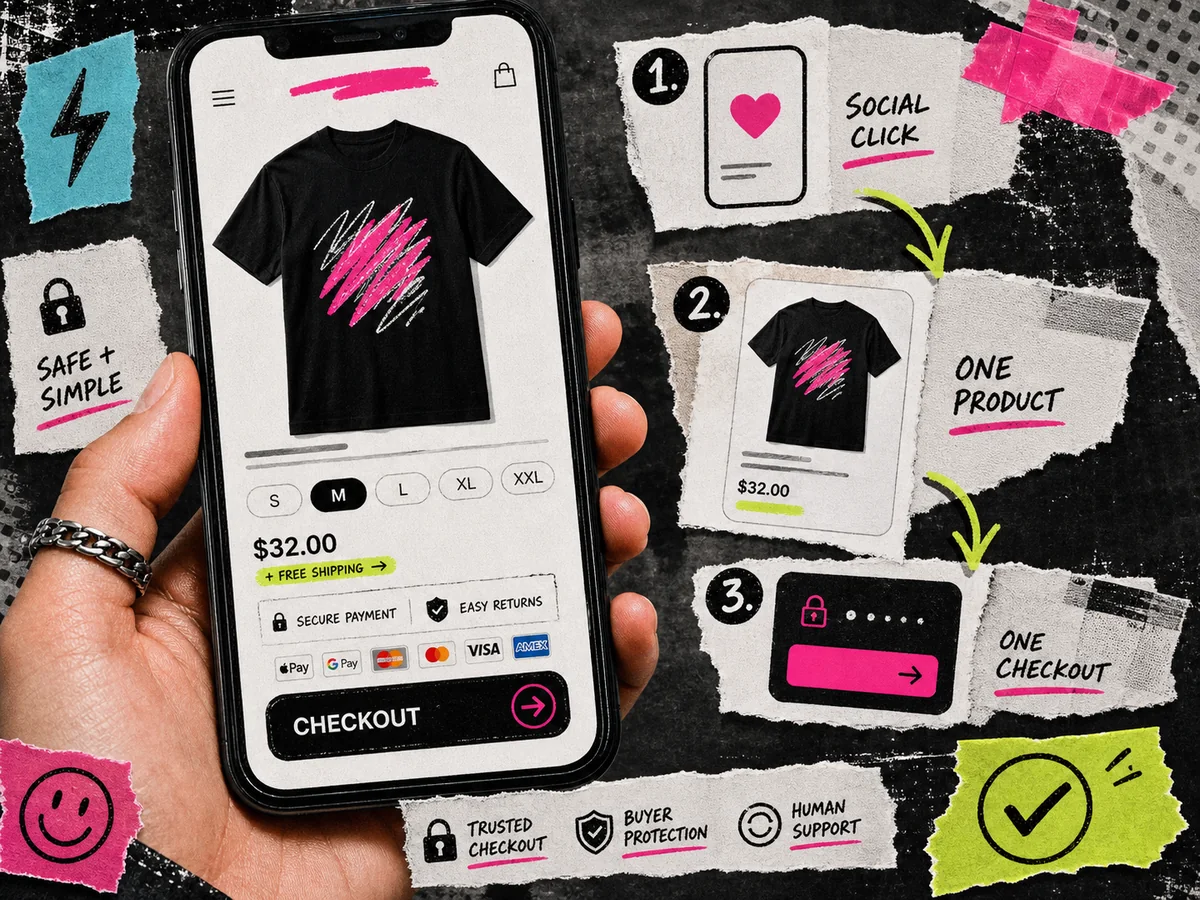
Here’s the simple workflow:
- Claim your Teezzi link. Use it directly in your bio or place it inside another link hub.
- Upload your design. Teezzi creates the product page and mockups from your artwork.
- Set your price. You see the base cost and projected earnings before the page goes live.
- Share the drop. Teezzi handles the storefront, printing, payments, US shipping, and buyer support.
There’s no monthly subscription and no upfront inventory cost. At launch, the product focus is one Bella + Canvas 3001 tee, which keeps the setup fast and the quality bar consistent.
Creators can sign up globally. To withdraw earnings, you need access to Stripe Connect in your country, and at launch buyers need a United States shipping address.
When to use Teezzi with another link hub
Teezzi doesn’t have to replace every link in your bio.
If you already use Linktree, Beacons, Stan Store, or another link hub to organize all your links, you can place your Teezzi merch page there. The key is to make the merch button clear and direct.
For example:
- “Buy the new shirt”
- “Get the episode tee”
- “Shop the catchphrase shirt”
- “Support the channel with merch”
If Linktree is your current setup, read how to sell merch from Linktree without Shopify. If you’re choosing among broader platforms, the best print-on-demand platform for creators compares the bigger decision.
The link itself should do one job: take the fan to the merch page with no extra detour.
When your merch traffic is ready, use a link that can sell the shirt instead of only listing it.
Frequently asked questions
What is the best link in bio tool for selling merch?
The best tool is the one that sends fans straight to the product they came to buy. For creator merch, a focused Teezzi page can work better than a generic link list because it combines the product page and checkout path.
Can I use Teezzi inside Linktree or Beacons?
Yes. Your Teezzi page is a normal URL, so you can add it as a button inside another link-in-bio tool. That can be a good setup if you still want one hub for your other links.
Is Teezzi a full link hub?
No. Teezzi is focused on helping creators sell one premium tee from one branded merch page at launch. If you need a broad profile page with many links, keep using a link hub and point the merch button to Teezzi.
Does Teezzi charge a monthly fee?
No. Teezzi has no monthly subscription and no upfront inventory cost. You set the retail price above the base cost and see your projected earnings before publishing.
Where can buyers receive orders?
At launch, buyers need a United States shipping address. Creators can sign up globally if they can use Stripe Connect in their country for payouts.