If you’re selling merch on Instagram, the setup should be lighter than a full ecommerce store. You’ve seen other creators drop limited-edition tees and wondered how they handle the tech, the printing, and the shipping without losing their minds.
Usually, the advice is to go build a Shopify store, connect a print-on-demand app, buy a domain, and learn how to manage sales tax. It’s a lot of work just to test one design. Most creators get stuck in the setup phase and never actually hit publish. If you’re still small, that’s exactly why merch can beat waiting on platform payouts. Our guide on how to monetize 1,000 Instagram followers breaks that down.
You don’t need to become an e-commerce operator to sell a t-shirt. You just need a way to turn your link in bio into a focused merch page that doesn’t feel like a 2005 website. Here’s the blueprint for the new way to sell.
Why the old approach creates friction
The biggest mistake creators make when learning how to sell merch on Instagram is sending their fans to a department store.
When someone clicks the link in your bio or a sticker in your Stories, they’re usually on a mobile device and they’re in a hurry. If you send them to a homepage that has a Shop menu, three different categories, and a sign-up-for-our-newsletter pop-up, you’ve already lost them.
Traditional storefronts create decision fatigue. Your fans want the shirt you just talked about in your Reel. They don’t want to go on a digital scavenger hunt to find it. Plus, setting up those stores is expensive. Between monthly subscriptions and app fees, you’re often in the red before you’ve sold a single item.
What a better approach looks like
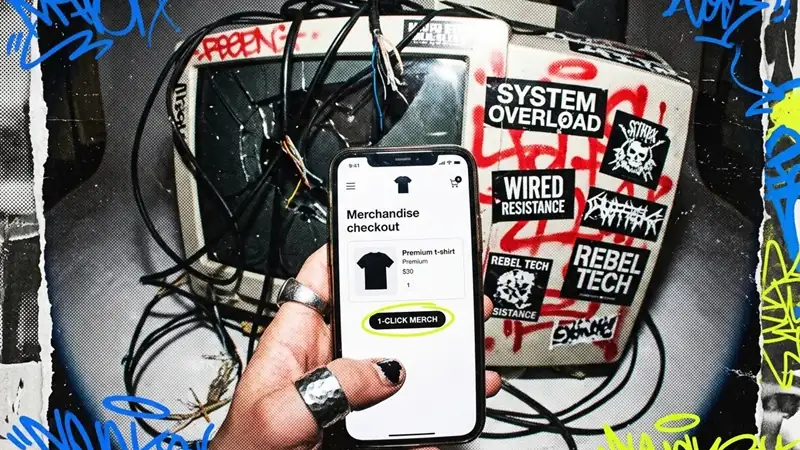
Modern creators are moving toward the single-link model. Instead of a massive catalog, you focus on one hero product that your community actually wants. It’s the same idea behind launching a link in bio merch store in minutes or selling merch from Linktree without Shopify: fewer choices, shorter path, better conversion.
This works better for Instagram because:
- It’s mobile-first. The page is designed specifically for people clicking through from an app.
- It’s fast. No complex navigation means the path from “I want this” to “Order confirmed” is seconds, not minutes.
- It’s low risk. You aren’t paying $30 a month for a store that sits empty.
The goal isn’t to build a massive brand on day one. The goal is to get your design into the hands of your fans as fast as possible.
Selling merch on Instagram: bio link and Story flows
Instagram gives you a few natural places to point fans toward merch. The trick is making each path land on the exact shirt you mentioned.
| Instagram surface | Best use | Merch flow |
|---|---|---|
| Bio link | Always-on destination for profile visitors | Send directly to the merch page or place it first in your link hub |
| Story link sticker | Short launch windows, restocks, or limited-time pushes | Show the shirt, answer a size or quality question, then link straight to checkout |
| Reel caption | Demand created by one specific video | Tell viewers where to click and keep the product name consistent |
| Pinned comment | Extra reminder when a Reel starts moving | Repeat the link-in-bio direction without making people hunt |
Bio link flow
Put the merch page where fans already look for next steps. If you use a link hub, place the shirt at the top during the launch window and use a plain label like “New shirt drop” instead of a vague “shop” button.
For creators who want the standalone version, a link in bio merch store keeps the path even shorter because the first tap can land on the product itself.
Story and link sticker flow
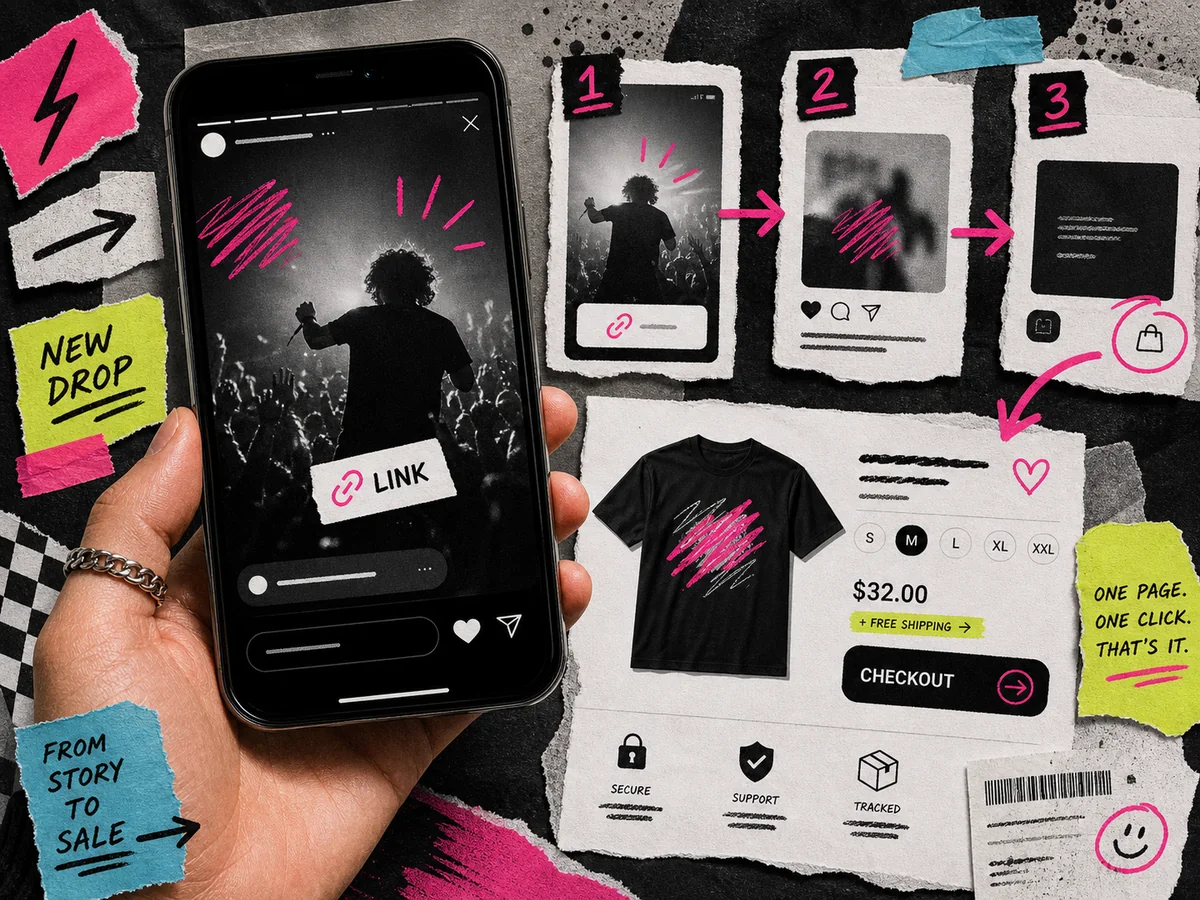
Use Stories to reduce doubt before the click. A simple sequence works well:
- Show the shirt or mockup.
- Explain the reason behind the design.
- Answer one practical question, like fit, size guide, or shipping.
- Add the link sticker directly to the product page.
That gives people enough context to tap without sending them into a big store where the buying moment cools off.
Launch caption examples
Use captions that match the way your audience already talks. A few simple patterns:
- “The shirt from today’s Reel is live. Link in bio.”
- “You asked for the quote on a tee. I made one clean version.”
- “First drop is open for US shipping. Size guide is on the page.”
- “Testing one design first. If this lands, I will know what to make next.”
Keep the promise small and specific. You are not claiming a giant merch line. You are giving fans one clear thing to buy.
How Teezzi fits the workflow
We built Teezzi specifically for this one-link strategy. You don’t have to wrestle with site builders or connect five different tools. We handle the storefront, the printing, the shipping, the payments, and even the customer support.
Here is the 1-2-3-4 process:
- Claim your page. Sign up and instantly get your custom link, like
yourname.teezzi.com. - Upload your design. Drop in your PNG or JPG. We’ll generate high-quality mockups that look great in your Stories.
- Set your price. We show you exactly what the shirt costs to make. You decide the retail price and see your profit margin immediately. If you want help with that part, our creator merch pricing guide walks through the math.
- Share and get paid. Drop that link in your bio. When a fan buys, we print it on a premium Bella + Canvas 3001 tee and ship it to them. Your earnings go straight to your wallet.
Our real-world experience with this topic
We’ve watched hundreds of creators launch merch. The ones who succeed aren’t the ones with the most complex stores. They’re the ones who make it dead simple for the buyer.
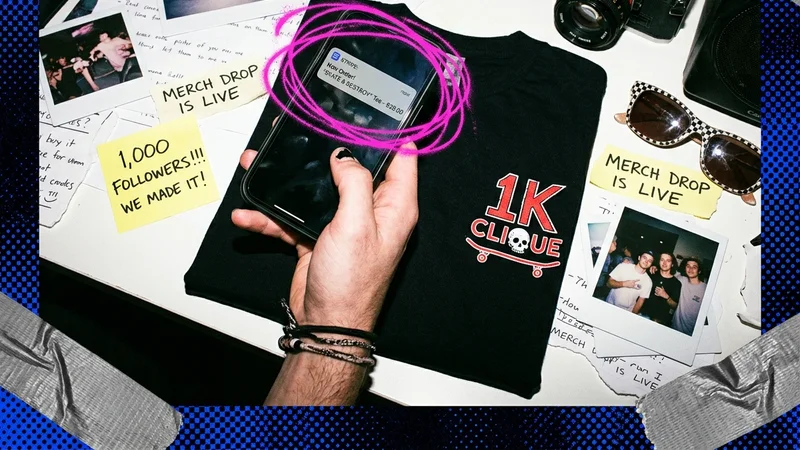
We’ve found that Instagram buyers ask fewer last-minute questions when the checkout is powered by Stripe and includes a clear size guide. Fans need to trust that the shirt will fit and their data is safe. That’s why we put those trust signals front and center on every Teezzi page.
Why this converts better for creators
When you’re selling on social media, speed is your best friend. If you mention a shirt in a video, your fans’ interest is at its peak right then. If they have to click a link, navigate a menu, and create a customer account, that interest fades.
By using a dedicated sales page for your hero product, you’re removing every single hurdle. You’re giving them a clean, branded experience that mirrors the vibe of your Instagram feed. It’s the difference between a cluttered flea market and a high-end boutique.
Frequently asked questions
Do I need to buy inventory upfront?
No. Teezzi is a made-to-order platform. We only print a shirt when a fan actually buys one. That means no upfront inventory cost and no boxes of unsold shirts sitting in your garage.
How do I get paid?
We use Stripe Connect to handle payouts. Once you sell a shirt, your earnings are tracked in your dashboard. You can withdraw them directly to your bank account after a quick identity check with Stripe.
Where do you ship?
At launch, Teezzi ships to buyers with a United States shipping address. While creators can sign up from anywhere in the world, as long as they have access to Stripe Connect, your fans must be in the US to receive their orders.
What is your return policy?
Because every shirt is custom-printed for your fan, we don’t offer returns or exchanges for buyer’s remorse or picking the wrong size. However, if there’s a manufacturing defect or shipping damage, we handle the replacement or refund for you.